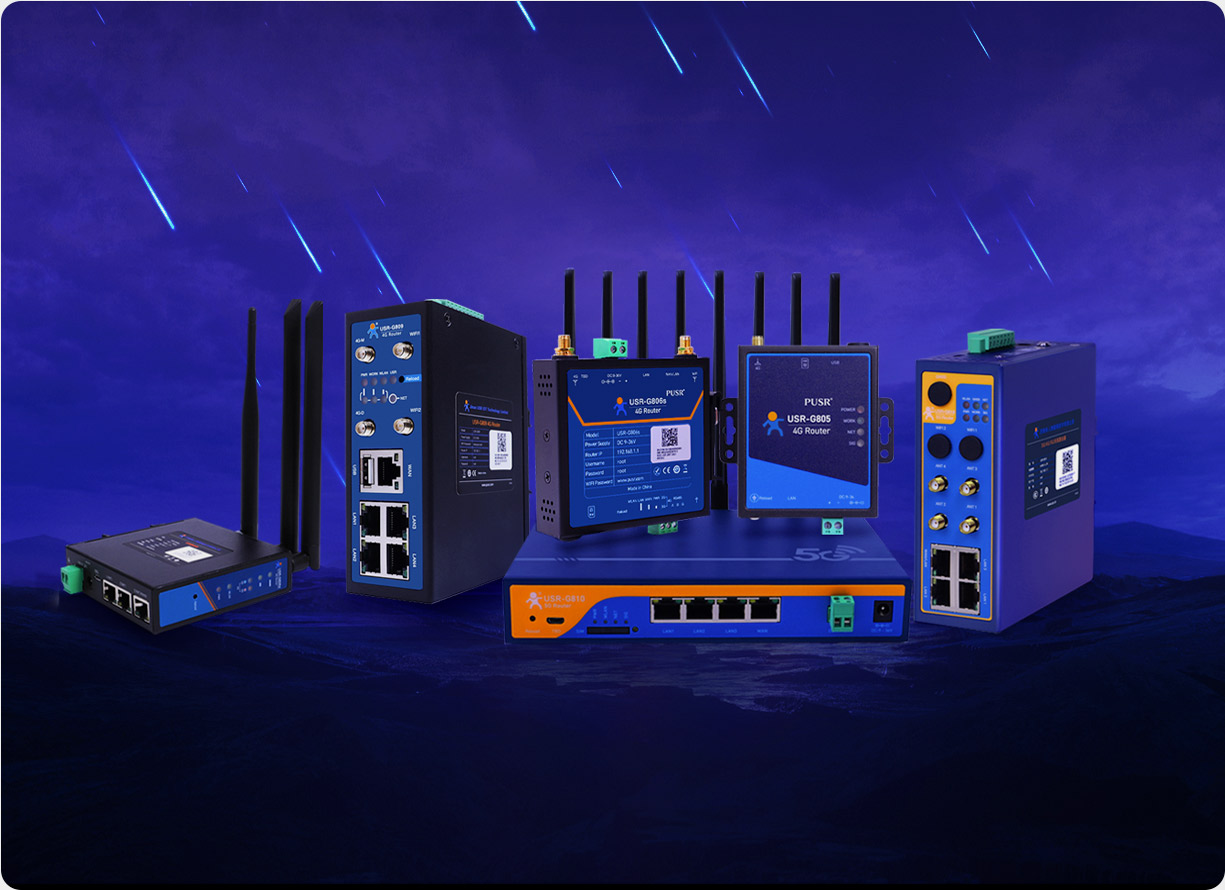
Many manufacturers need to consolidate real-time vehicle or asset positions onto an internal platform when dispatching fleets, tracking assets, or managing field teams. The core link in this workflow is typically handled by an industrial cellular router — a built-in GNSS module collects positioning data, which is then uploaded to a third-party server over a wired or wireless network.
The following covers the complete solution: data flow, transmission methods, encryption, and deployment steps.
The GNSS module in an industrial cellular router supports multi-constellation positioning including GPS, GLONASS, Galileo, and BeiDou. After collecting raw coordinates, the module typically outputs data through two paths:
Serial output offers the strongest compatibility — any device with a serial port can read NMEA sentences. The API approach is more flexible, allowing data cleaning, formatting, or augmentation with additional sensor readings before transmission.
Three common approaches are used: HTTP POST, MQTT, and serial passthrough.
The router's built-in HTTP client sends JSON-formatted coordinate data to a specified URL at configured intervals. Example request body:
The server only needs a POST endpoint to receive data. This method is the simplest to deploy, suitable for scenarios with moderate reporting frequencies (once every few seconds to tens of seconds per minute).
MQTT suits scenarios requiring high-frequency pushes or large device counts. The industrial cellular router acts as an MQTT client, publishing location data to a broker topic on the server side.
MQTT maintains a persistent, low-overhead connection so the server receives data in real time without polling.
If the device already has a GNSS module outputting data via serial port, the industrial cellular router can forward the raw serial stream directly to the server. This approach requires no GPS parsing on the router side and fits factories with extensive serial-device ecosystems.
Location data involves asset safety and operational privacy, so transmission must be encrypted. Industrial cellular routers typically offer the following security measures:
Industrial environments feature voltage fluctuations and wide temperature swings, which can cause router freezes. The hardware watchdog automatically restarts the system when anomalies are detected, ensuring GPS data reports continue without interruption.
Taking a logistics truck as an example, the full deployment process is:
When selecting an industrial cellular router for fleet dispatch, asset tracking, or similar applications, pay attention to the following:
1. What is the GPS accuracy of an industrial cellular router?
GNSS accuracy depends on the number of active constellations and satellite signal quality. Single-GPS mode delivers approximately 2–5 meters accuracy; multi-constellation support (GPS + GLONASS + BeiDou) can reach 1–3 meters. Open-sky environments yield the best results, while tunnels or underground garages with heavy obstructions weaken the signal.
2. Can a router without built-in GNSS connect to an external GPS module?
Yes. A GNSS module can be connected via serial port (RS-232/RS-485) or USB. The router reads the serial NMEA data and forwards it to the server via HTTP or MQTT.
3. Can the GPS reporting interval be customized?
Yes. The interval is configured in the router's management interface and typically supports any value from 1 second to several minutes. High-frequency reporting suits real-time tracking; low-frequency reporting suits periodic inspections.
4. Will GPS data be lost when a vehicle passes through a no-signal area?
GNSS positioning itself relies on satellite signals and is unaffected by cellular networks. However, transmitting GPS data to the server requires 4G/5G connectivity. In no-signal zones, the server may not receive real-time data. Some industrial cellular routers support local storage with breakpoint resume, uploading missed data once connectivity is restored.
5. What is the difference between an industrial cellular router's GNSS and a smartphone's GPS?
The GNSS module in an industrial cellular router is designed for outdoor, vehicle-mounted, high/low temperature, and high-vibration industrial environments. It supports multi-constellation positioning, boots quickly, and maintains stable signals. Smartphone GPS modules target consumer use, offer limited functionality, and have weaker environmental resilience.
6. Does VPN tunneling add noticeable latency to GPS data?
VPN encryption introduces minimal processing overhead, typically adding 5–15 milliseconds of latency. For GPS reporting scenarios with intervals of 1–30 seconds, this impact is negligible.
7. Can the industrial cellular router send GPS data along with other sensor data?
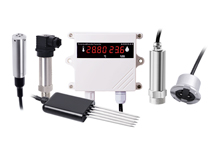
Yes. Industrial cellular routers support multi-source data aggregation. GPS coordinates can be packaged together with temperature/humidity sensor readings, CAN bus data, or door status and uploaded as a single payload, or published to separate MQTT topics.
8. Can GPS data still be sent after a power outage?
Once the router loses power, it cannot transmit data. Routers equipped with a hardware watchdog automatically resume operation after an abnormal power loss and restart. Som